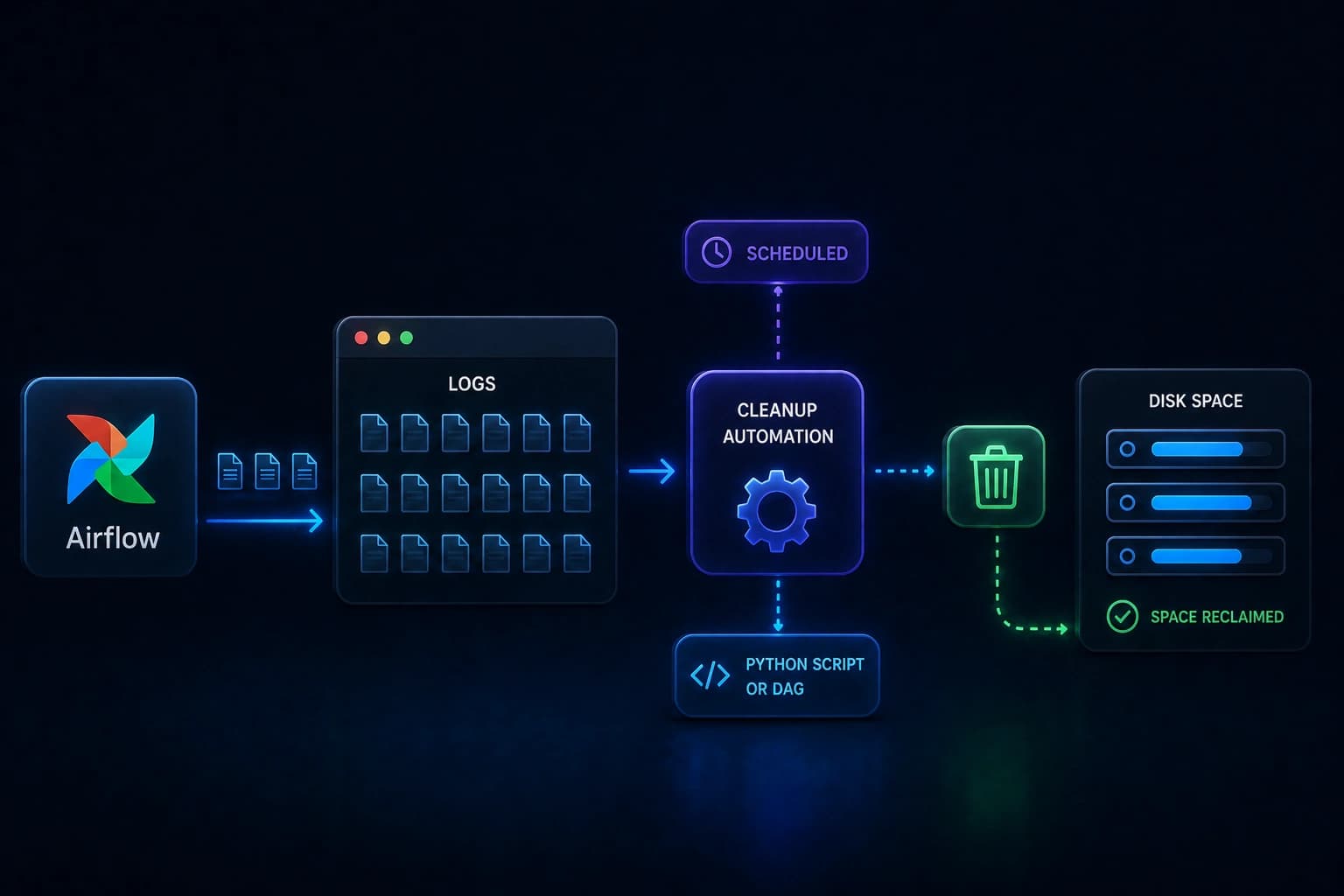

If you run Apache Airflow long enough, you'll eventually hit a disk-full alert. Usually not because your data exploded. Airflow just keeps writing log files, and nothing deletes them unless you set that up.
Below is why that happens, what those files are, and a small script plus DAG you can drop in so cleanup runs on its own.
What is Apache Airflow?
Apache Airflow is an open-source tool for scheduling and monitoring automated workflows. Data engineers use it for jobs like "every morning at 6 AM, pull data from this API, transform it, and load it into the database."
Each automated workflow in Airflow is called a DAG (Directed Acyclic Graph). Every time a DAG runs, Airflow writes log files to disk: which steps succeeded or failed, how long they took, and so on.
That is great for debugging. Airflow does not remove those logs for you.
The Problem: Logs That Never Stop Growing
By default, Airflow saves logs under $AIRFLOW_HOME/logs. AIRFLOW_HOME is just the directory where your Airflow install lives (often /home/airflow or /opt/airflow).
Over time you get:
- Task logs: one file per task per DAG run. Say a DAG has 10 tasks and runs every hour. That is 240 new log files per day from that DAG alone.
- Scheduler logs: background output from the scheduler process.
- Rotated files: Airflow maintains
dag_processor_manager.log. When it grows, the system renames it todag_processor_manager.log.1, starts a fresh log, and the numbered backups stick around unless you prune them.
The UI still looks green. Your pipelines can look healthy right up until the disk is not.
The Fix: Automate the Cleanup
I published airflow-logs-cleanup, a small MIT-licensed Python helper, that:
- Deletes rotated
dag_processor_managerlogs (.log.1,.log.2, and the rest). - Removes log files older than 7 days by default (you can change the window).
- Removes empty directories after deletes, except it leaves the
dag_processor_managerpath alone so you do not strip structure you still need.
If a path is missing or permissions bite, it logs and moves on instead of dying mid-run.
You need Python 3.8+, Airflow, and AIRFLOW_HOME set in the environment.
Two Ways to Run It
Option 1: As an Airflow DAG (recommended)
Let Airflow schedule its own housekeeping. A DAG here is the same idea as your other workflows: copy cleanup_logs_dag.py into your DAGs folder.
cp cleanup_logs_dag.py $AIRFLOW_HOME/dags/After the scheduler picks it up, open the UI, find cleanup_logs_dag, enable it. It runs daily at 3:00 AM unless you change the schedule below.
Option 2: As a standalone script
For a one-off or a cron job outside Airflow, run cleanup_logs.py:
python cleanup_logs.pySet AIRFLOW_HOME in that shell first.
Adjusting Retention and Schedule
How long to keep logs
In cleanup_logs.py or cleanup_logs_dag.py:
MILLISECONDS_TO_KEEP = 7 * 86400 * 1000 # last 7 days (default)Fourteen days:
MILLISECONDS_TO_KEEP = 14 * 86400 * 1000When the DAG runs
schedule_interval in the DAG file uses cron syntax (compact recurring times):
schedule_interval="0 3 * * *"   # daily 3 AM (default)
schedule_interval="0 0 * * *"   # daily midnight
schedule_interval="0 2 * * 0"   # Sundays 2 AM
New to cron? crontab.guru translates these strings.
Next Steps
You can find the full source code and documentation here: https://github.com/ysskrishna/airflow-logs-cleanup. The two entry points are cleanup_logs.py (standalone or cron) and cleanup_logs_dag.py (scheduled DAG). If it helps you avoid a production issue down the line, starring the repo is appreciated so others can discover it too.