
The stack I reinstall on a new Mac
Your terminal should work for you, not against you. If you spend your day in the shell and aren't using fuzzy history search or contextual prompts, you are paying a heavy tax in repetition and guessing.
The built-in macOS Terminal is fine for occasional use. Clumsy history, invisible git branches, and retyped paths still pile up over time.
I keep my setup lean. This stack isn't about making a terminal look fancy for screenshots; it's a baseline to make every machine feel instantly familiar without turning configuration into a weekend project.
What I install:
- Homebrew: A tool that lets you install tools and apps from the command line (like an app store for your terminal).
- iTerm2: A more capable replacement for the default Mac Terminal: stronger search, tabs, and a window that's easier to work in day to day.
- Oh My Zsh: Makes Zsh easier to use by adding helpful defaults, plugins, and themes.
- Powerlevel10k: Improves your command prompt so you can see useful info (like Git status) at a glance.
- zsh-autosuggestions: Suggests commands as you type based on your history (like autocomplete in Google).
- zsh-syntax-highlighting: Highlights commands in different colors so you can spot mistakes before running them.
- fzf: Helps you quickly search files, folders, and past commands, even when you can't remember the exact name.
Modern macOS already ships Zsh. This setup sharpens that default; it isn't a full shell overhaul.
Install Homebrew first
Homebrew is the package manager I use on every Mac. Same install commands each time beats hunting download pages machine by machine.
Install with the official command from the Homebrew installation docs:
/bin/bash -c "$(curl -fsSL https://raw.githubusercontent.com/Homebrew/install/HEAD/install.sh)"Then verify it:
brew --versionIf Homebrew prints a version number, you're ready to use brew install and brew install --cask.
Install iTerm2
This is usually the first upgrade that pays off daily: searchable scrollback, tabs, profiles, panes, and sane font control for prompts with icons.
Install with Homebrew:
brew install --cask iterm2Then open iTerm2 from Applications.
Why I use iTerm2 instead of the default Terminal
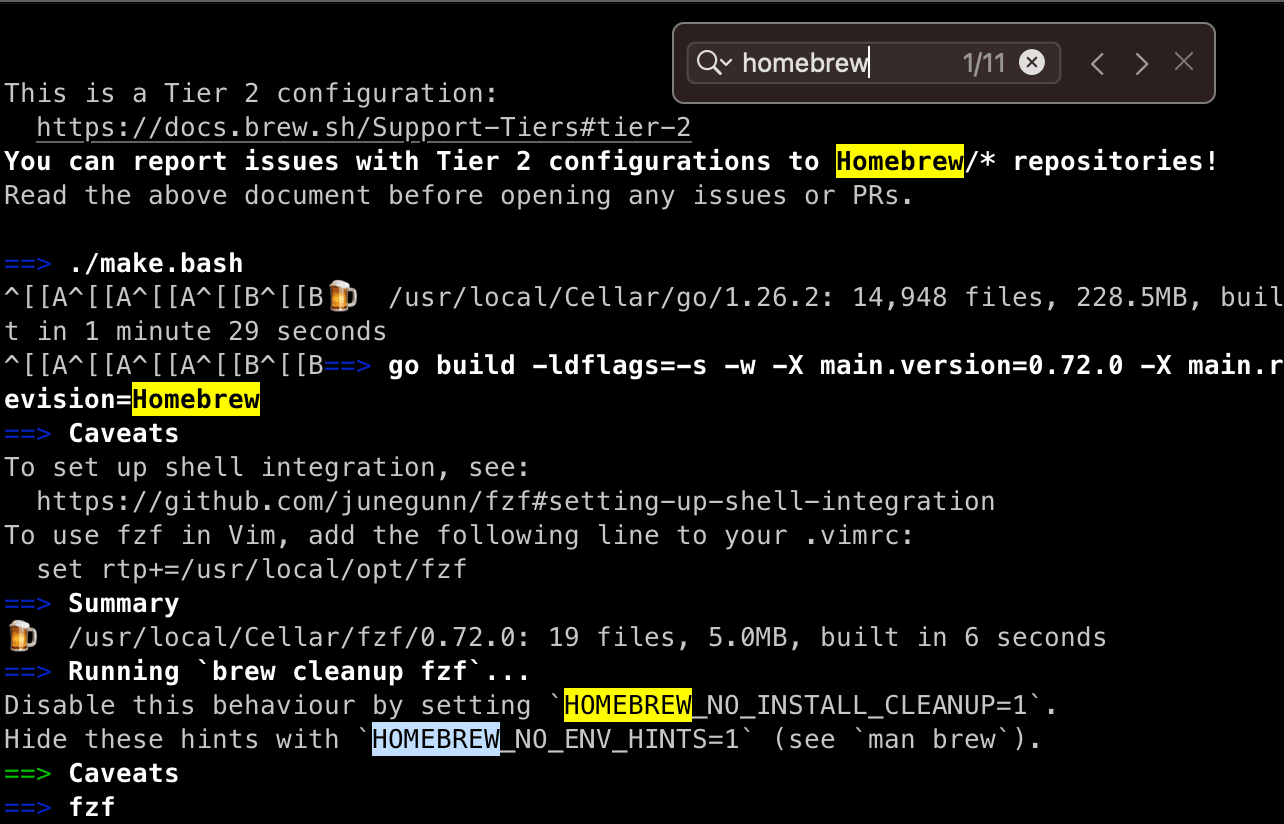
Search. Dense command output stays useful when you can find a line in the buffer instead of re-running or scrolling until you squint. The usual shortcut is Command + F.
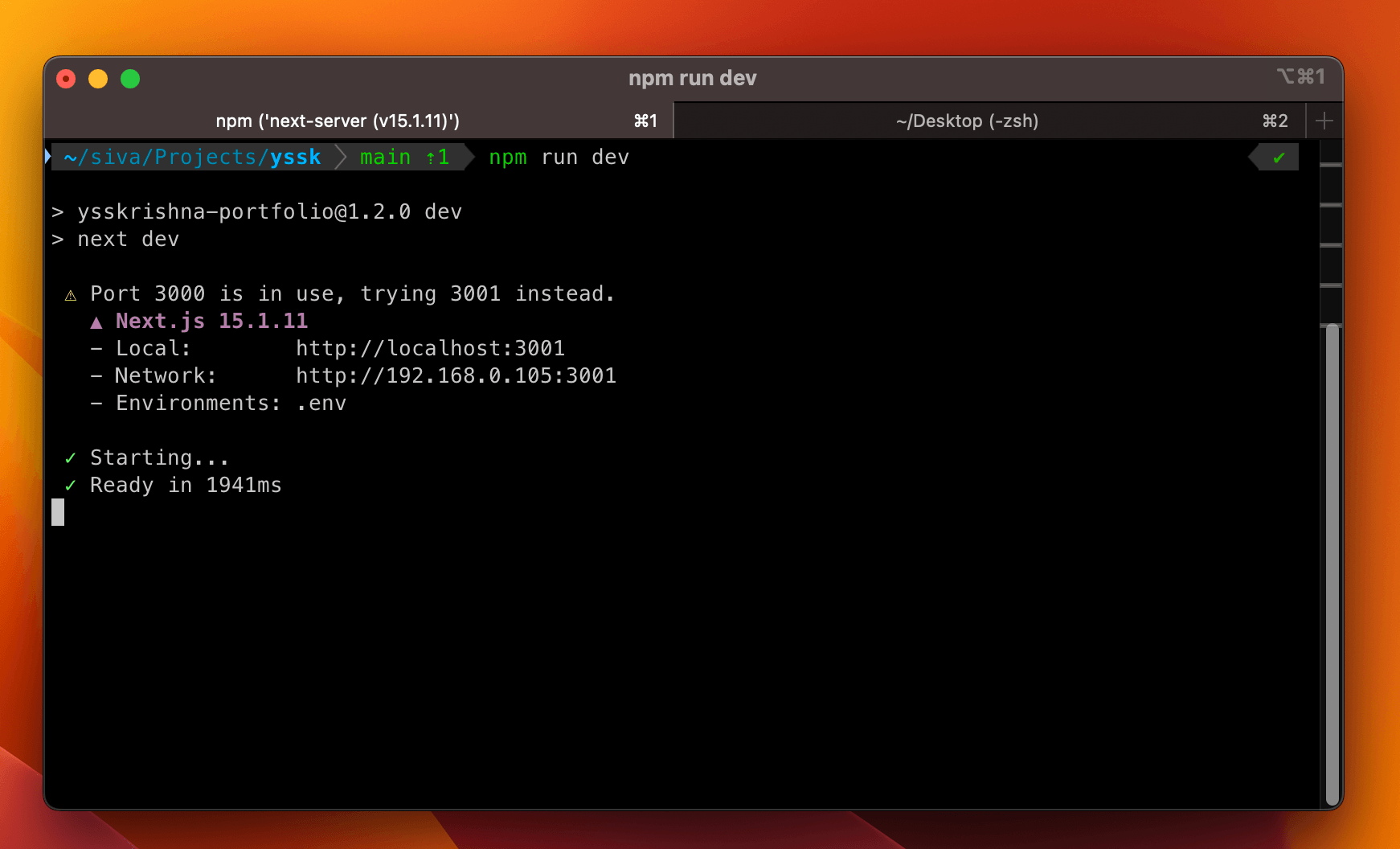
Rendering and tabs. Fonts, colors, profiles, and prompt icons are easy to tune, which matters once Powerlevel10k and Nerd Fonts are in play.
The features page goes deeper. Day to day I mostly care about search, readable prompts, and window layout.
Check that Zsh is your shell
Before Oh My Zsh, sanity-check the shell. Everything below assumes Zsh is reading ~/.zshrc.
Run:
echo $SHELLYou should usually see:
/bin/zshIf you don't, switch to Zsh:
chsh -s /bin/zshThen restart iTerm2.
Install Oh My Zsh
Oh My Zsh is mostly scaffolding: sane defaults plus a predictable place for themes and plugins so ~/.zshrc stays legible.
Install with the script from the Oh My Zsh repository:
sh -c "$(curl -fsSL https://raw.githubusercontent.com/ohmyzsh/ohmyzsh/master/tools/install.sh)"After installation, your main config file is:
~/.zshrcThat's where the theme and plugins live. I'd rather skip mystery plugins than debug a messy startup.
Install Powerlevel10k
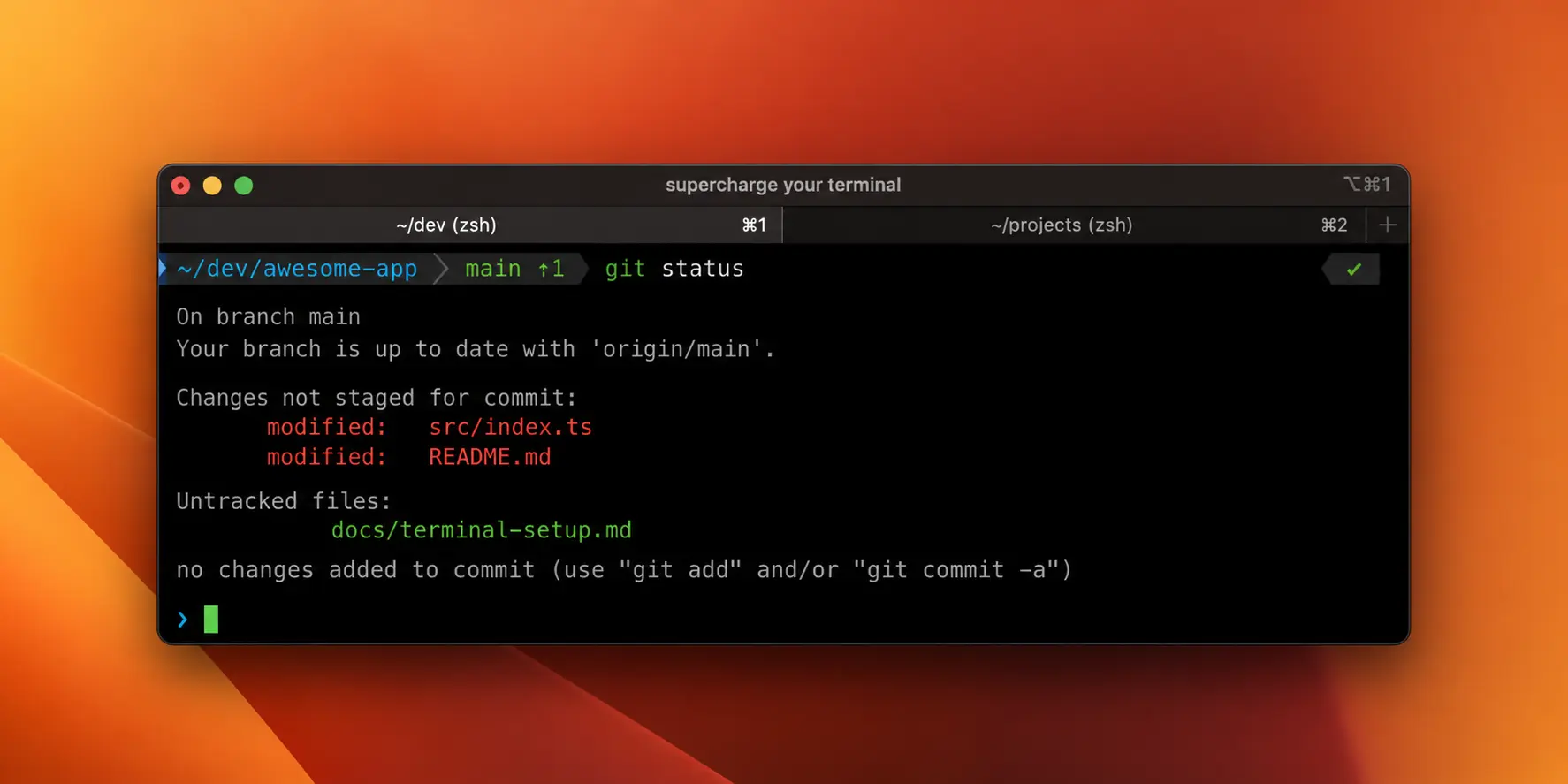
Powerlevel10k is my prompt theme. It shows directory, branch, dirty tree, exit status, and timing so I'm not constantly re-running pwd or git status. Useful context, not flair.
Clone into Oh My Zsh's custom themes directory:
git clone --depth=1 https://github.com/romkatv/powerlevel10k.git \
  "${ZSH_CUSTOM:-$HOME/.oh-my-zsh/custom}/themes/powerlevel10k"
Open your Zsh config:
nano ~/.zshrcSet the theme:
ZSH_THEME="powerlevel10k/powerlevel10k"Save the file, then reload Zsh:
exec zshIf the Powerlevel10k wizard doesn't open automatically, run:
p10k configureDo not skip the font step
Powerlevel10k relies on glyphs for Git, paths, tooling, and status. The wrong font means boxes instead of cues.
During p10k configure, accept the Meslo Nerd Font install if offered. Doing it manually? Follow Powerlevel10k's font notes.
In iTerm2, set:
iTerm2 -> Settings -> Profiles -> Text -> FontWithout that, you're debugging missing symbols instead of your actual work.
Add two Zsh plugins
Two I keep on always:
- zsh-autosuggestions: completes from history while you type
- zsh-syntax-highlighting: shows valid vs invalid commands before Enter
Most sessions repeat the same builds, deploys, and repo hops; autosuggestions make that cheaper. Highlighting catches a lot of fat-finger mistakes before Enter. It's not bulletproof, but it stops a lot of "why did nothing happen."
Install autosuggestions:
git clone https://github.com/zsh-users/zsh-autosuggestions \
  "${ZSH_CUSTOM:-$HOME/.oh-my-zsh/custom}/plugins/zsh-autosuggestions"
Install syntax highlighting:
git clone https://github.com/zsh-users/zsh-syntax-highlighting.git \
  "${ZSH_CUSTOM:-$HOME/.oh-my-zsh/custom}/plugins/zsh-syntax-highlighting"
Now edit ~/.zshrc:
nano ~/.zshrcSet your plugins:
plugins=(git zsh-autosuggestions zsh-syntax-highlighting)Reload:
source ~/.zshrcType the start of an old command. The grey suggestion is the whole trick: accept it, tweak it, or ignore it without leaving the line.

Install fzf for better search
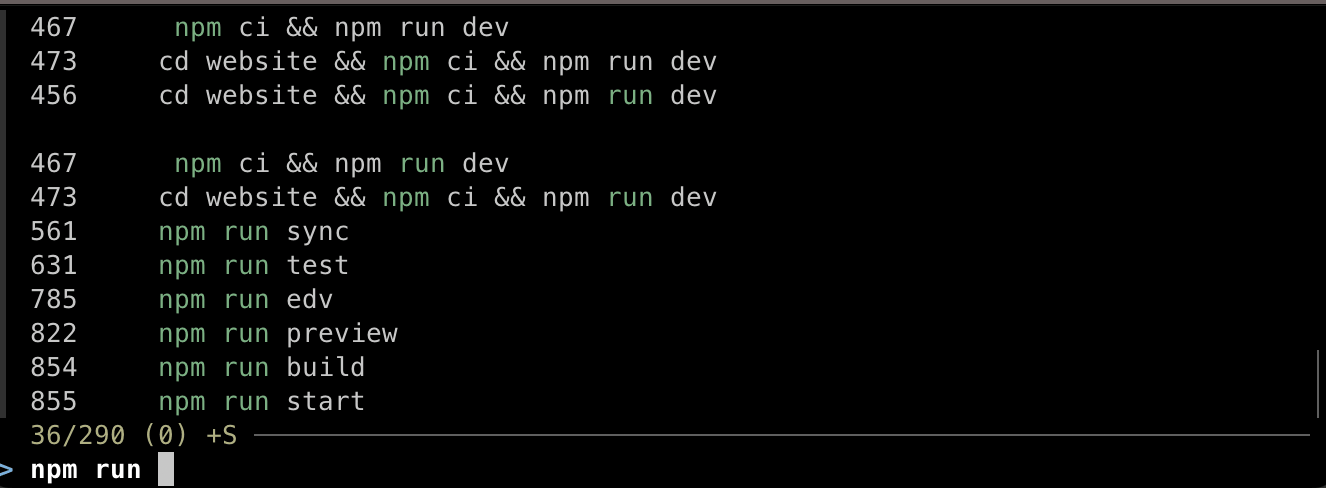
fzf is a fuzzy finder for the common case: you recall a fragment (npm, a path, preview) but not the full string.
Install:
brew install fzfThen run the install script that wires up shell integrations:
$(brew --prefix)/opt/fzf/installShortcuts worth muscle memory:
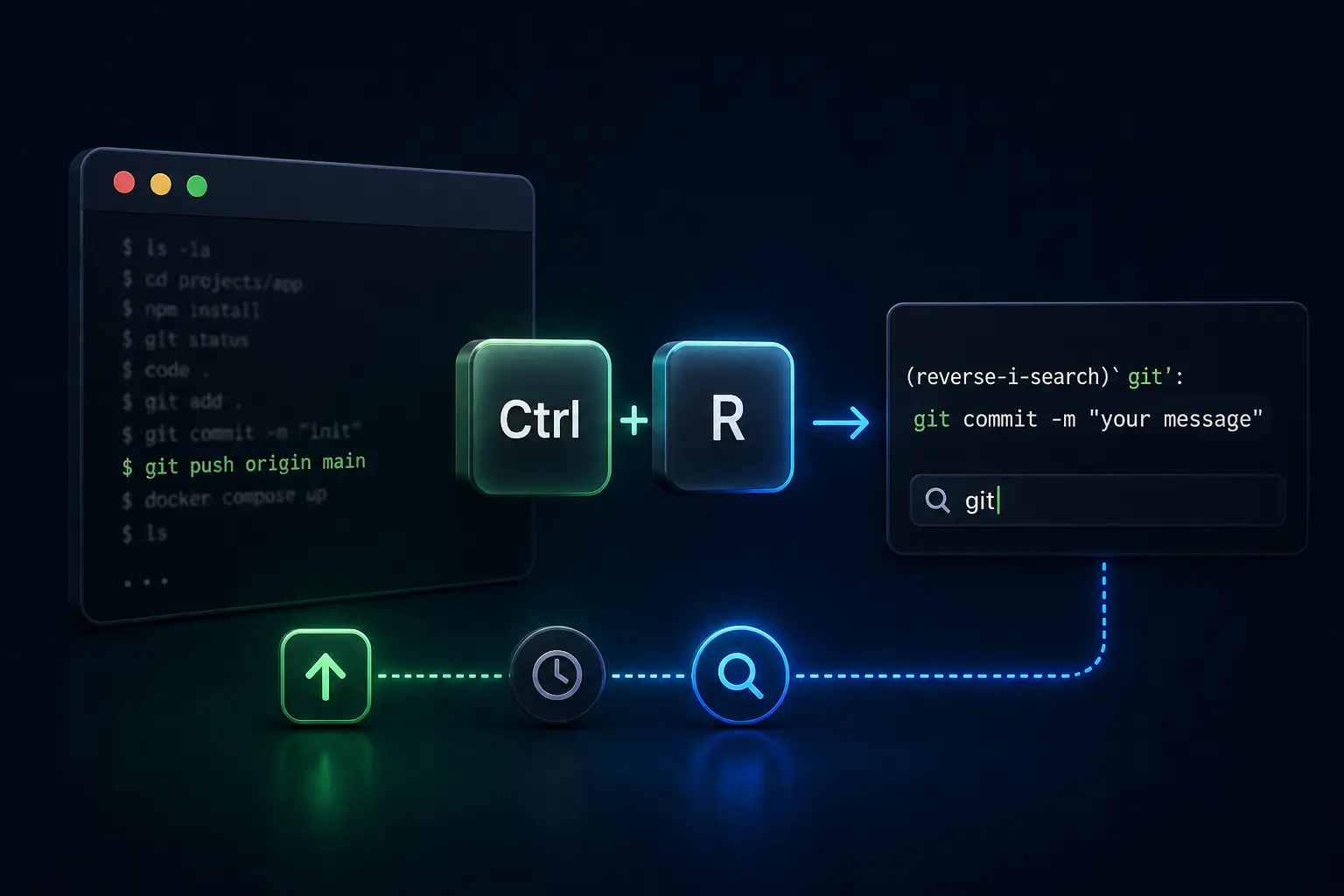
- Control + R: fuzzy history
- Control + T: fuzzy files
If you remember the command almost exactly, vanilla history is fine. If you only remember a piece of it, fzf gives you a list you can filter in place.
A minimal .zshrc
Once the above is wired, these lines are enough of a backbone:
ZSH_THEME="powerlevel10k/powerlevel10k"

plugins=(git zsh-autosuggestions zsh-syntax-highlighting)
Long plugin lists slow startup and make problems harder to trace. I pick boring and fast over clever and fragile.
My final checklist
Before I call the shell "done" on a new Mac:
brew --versionworks- iTerm2 is installed and using the right font
echo $SHELLshows Zsh- Oh My Zsh loads without errors
- Powerlevel10k opens with
p10k configure - Autosuggestions appear while typing
- Invalid commands get highlighted before running
- Control + R opens fuzzy history search after fzf setup
Same stack each time: nothing flashy on purpose. The goal is a terminal that helps you move and then gets out of the way.