Text Cleanup That Stays Inside the Sheet
Why Copy-Paste and Formulas Burn Time
Lists and exports arrive with messy casing, extra symbols, or several emails and URLs buried in one cell. Fixing that with one-off formulas or round-trips through other tools breaks flow and is hard to repeat on the next range.
How it works
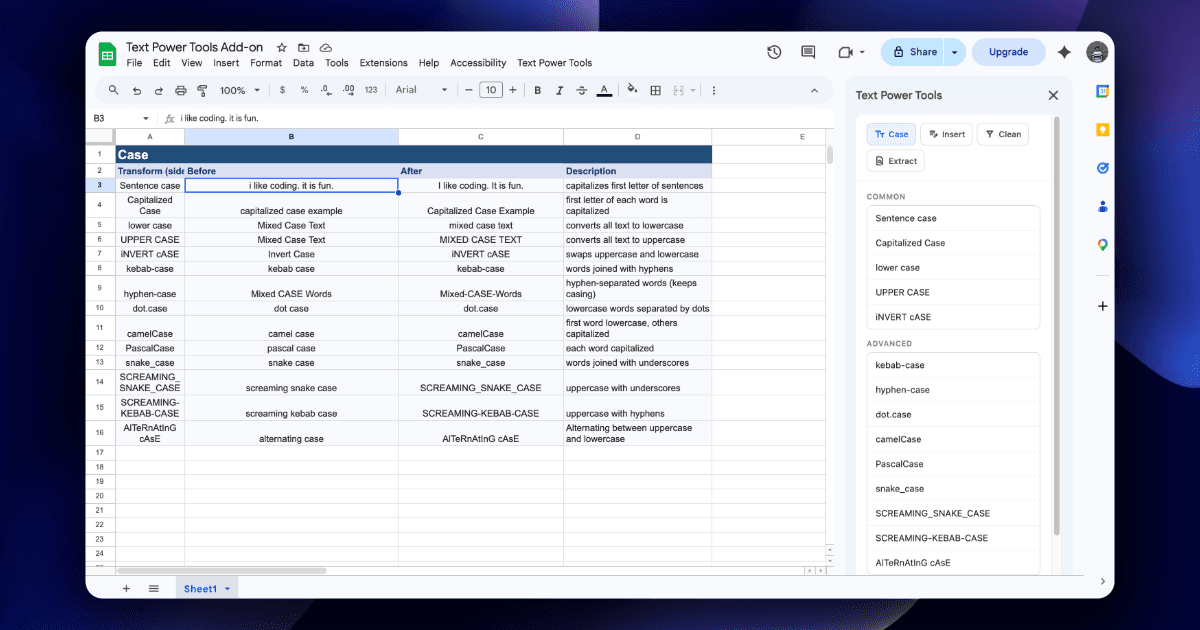
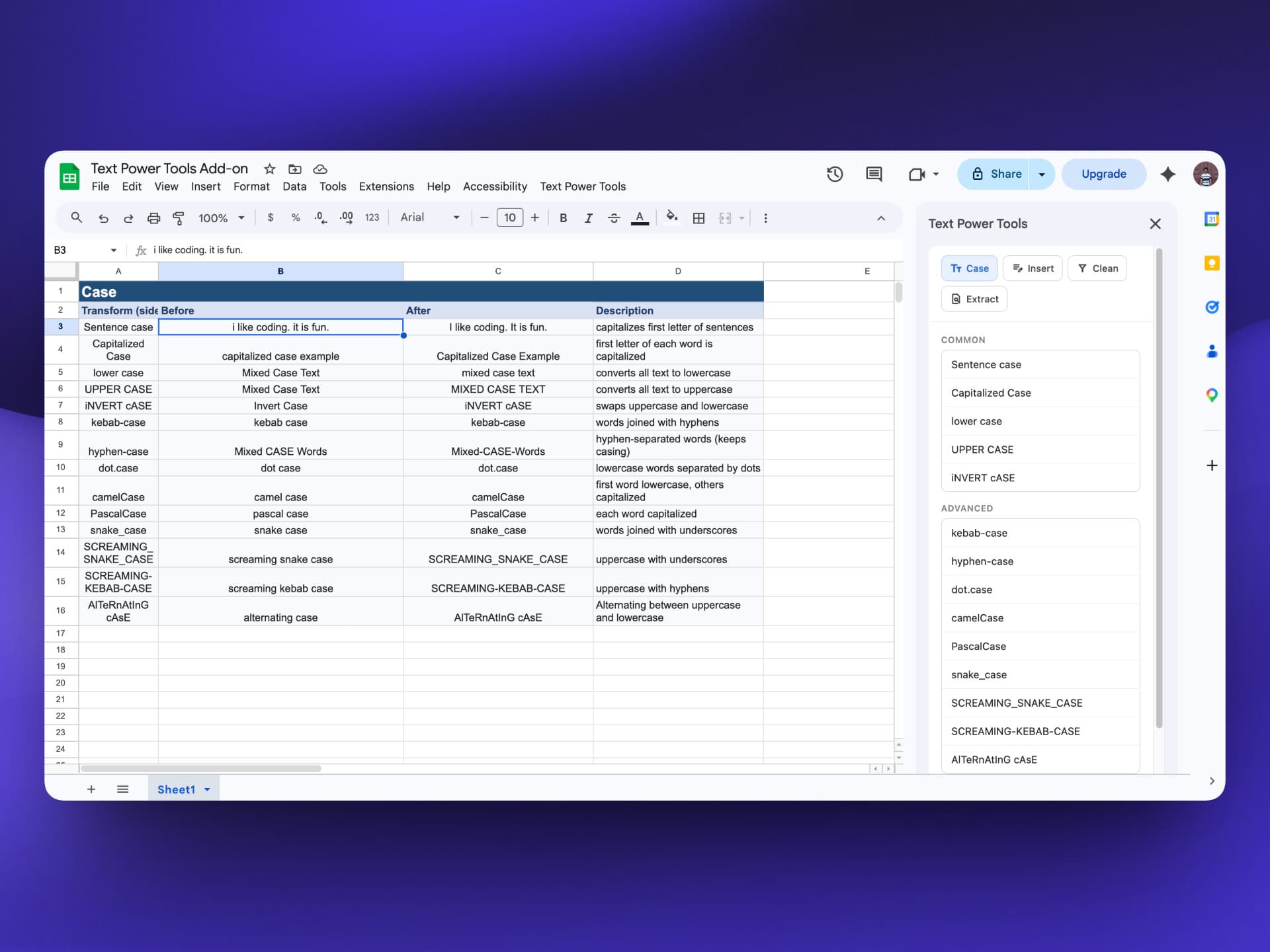
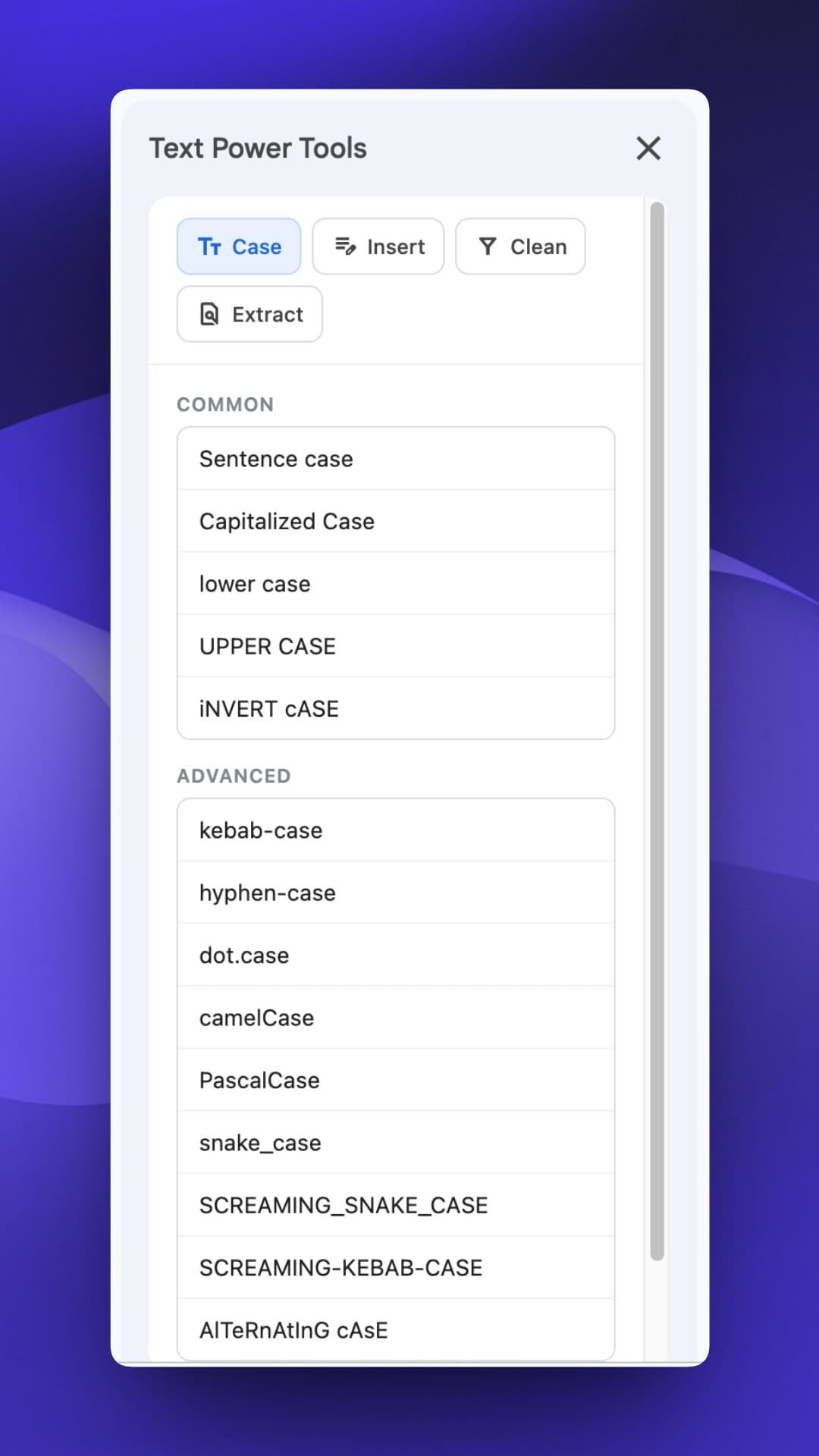
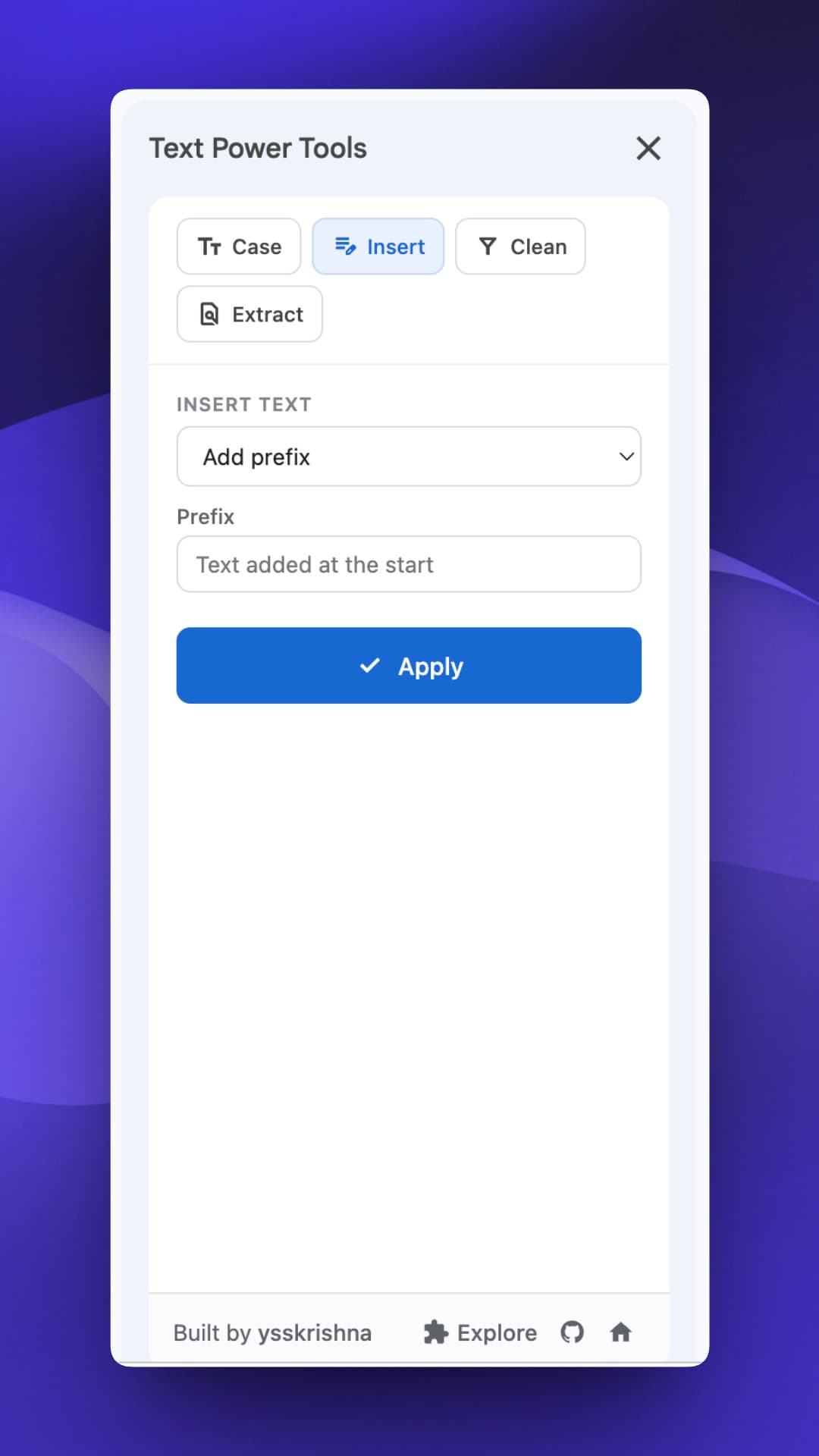
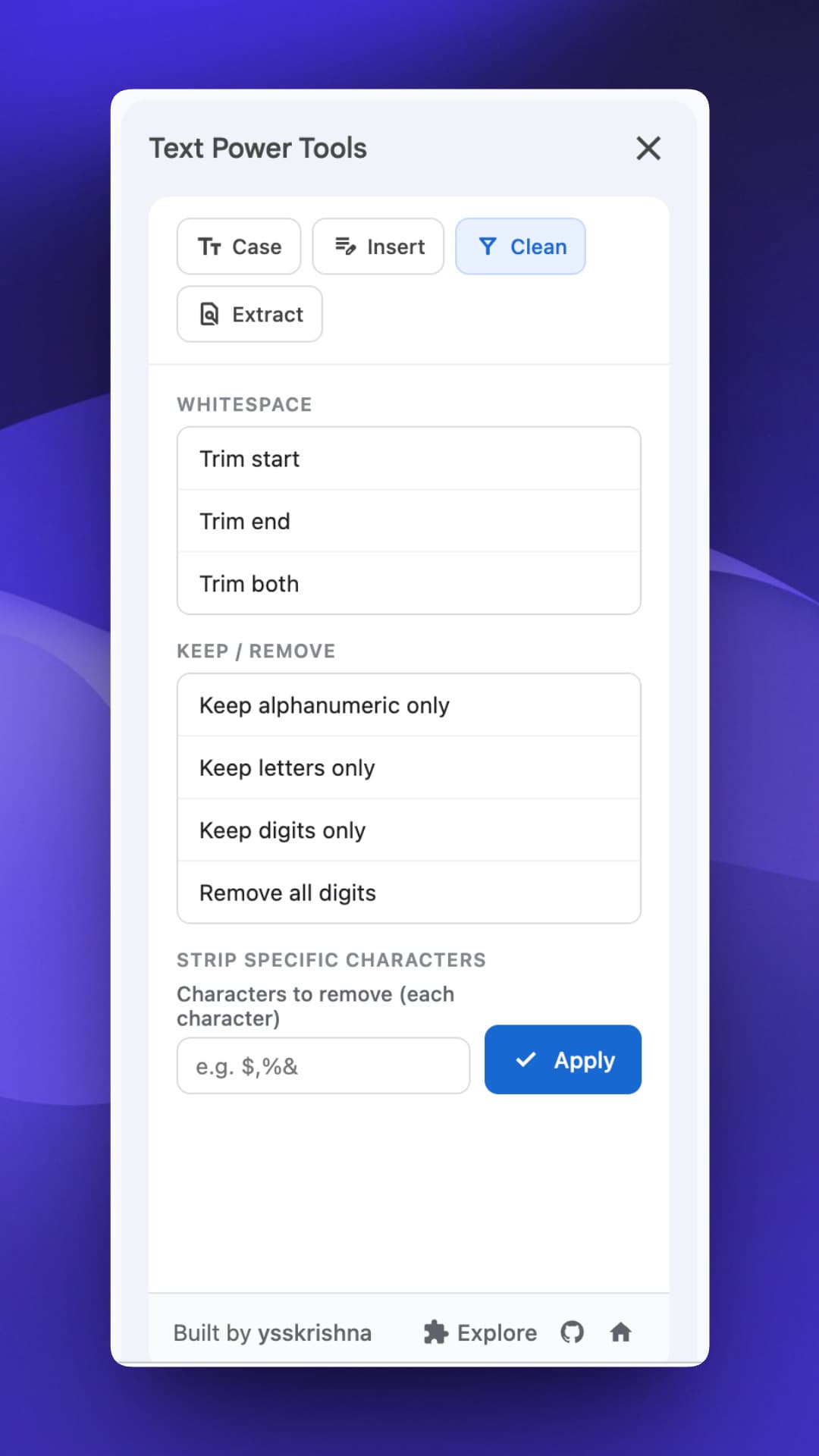
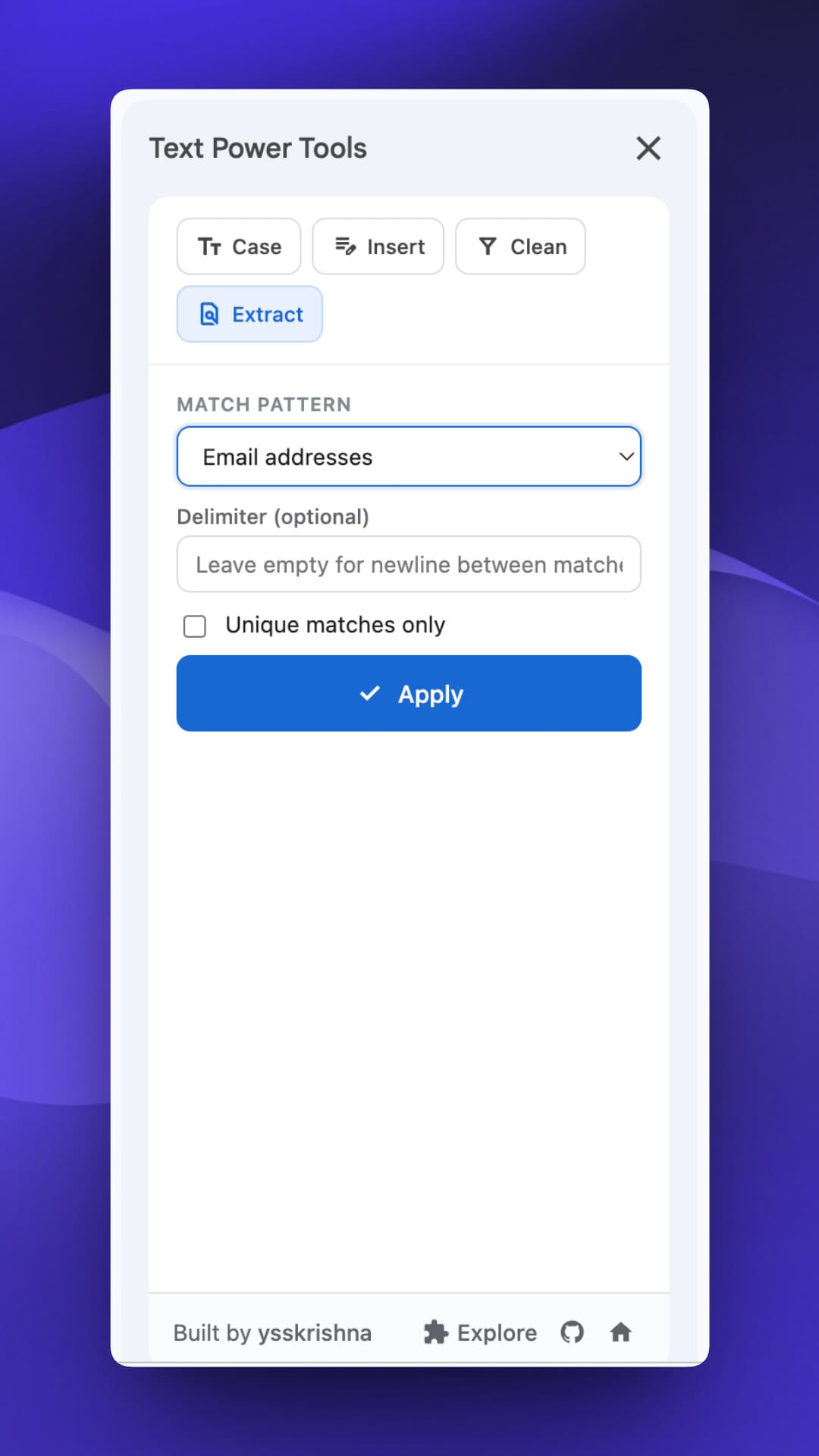
Text Power Tools opens as a sidebar in Google Sheets. You select cells, pick a tab (Case, Insert, Clean, or Extract), and apply. Transforms use each cell's displayed text and write results back in place, so what you see is what you transform.
Features
- Case: Sentence, title, lower, upper, invert, alternating, plus programmer-style kebab-case, camelCase, PascalCase, snake_case, SCREAMING_SNAKE_CASE, and related variants (tokens split from spaces, underscores, hyphens, dots, and camel boundaries).
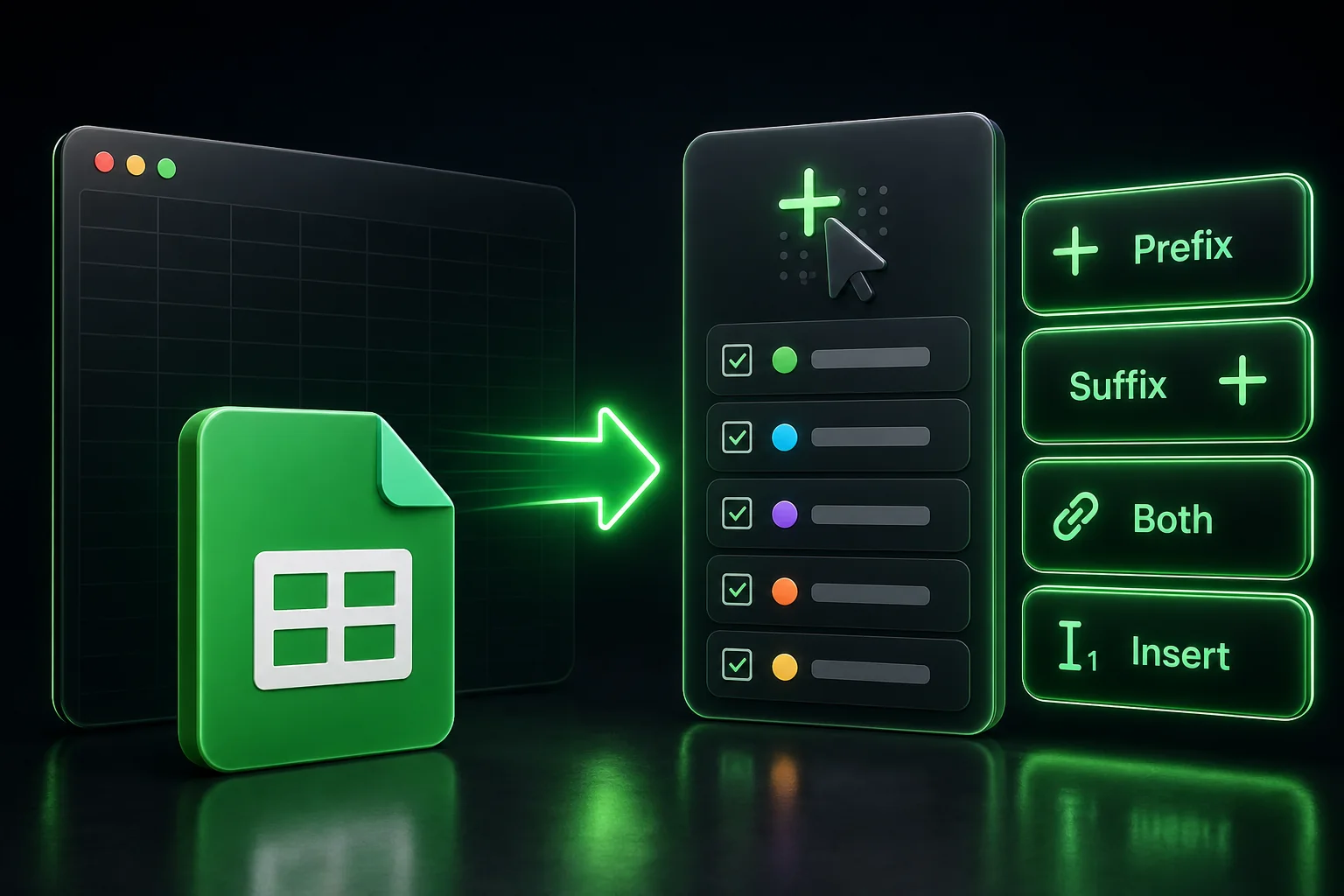
- Insert: Prefix, suffix, both, or insert at a 1-based character position (use length + 1 to append at the end).
- Clean: Trim ends; keep letters, digits, or alphanumeric (Unicode-aware where noted); remove listed characters in bulk.
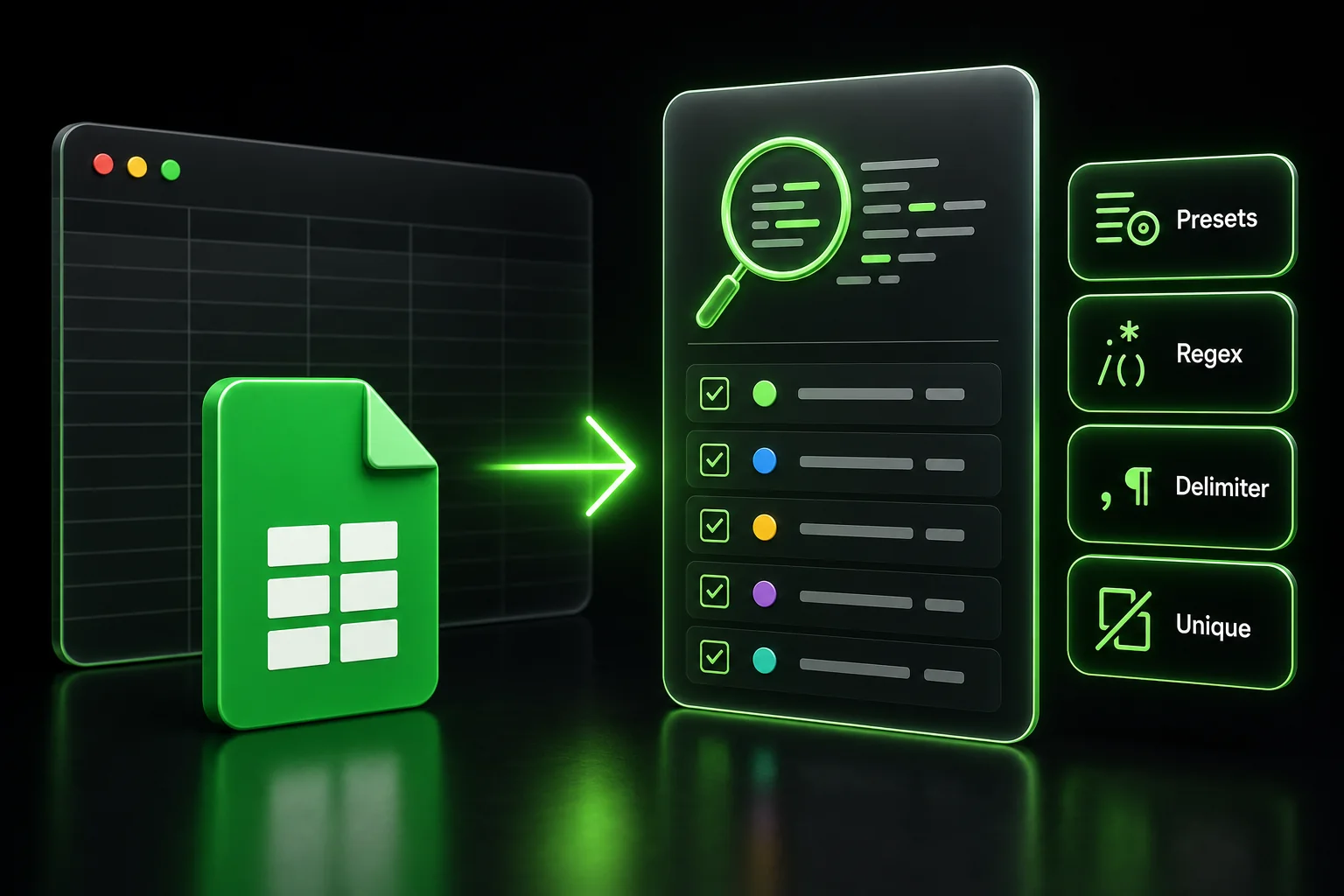
- Extract: Presets for emails,
http/httpsURLs, international-style phone numbers, hashtags and mentions, common date formats, 24-hour time, plus custom regex, join delimiter, and optional unique matches only.
Built For
- Ops and marketing lists that need repeatable cleanup without leaving the grid
- Anyone normalizing labels or pulling structured bits from messy cells
- Sheet owners who want predictable results from display values
Get the Sidebar Workflow
Install from Google Workspace Marketplace. The examples workbook and repo are the source of truth for updates and policies.
Run case, insert, clean, and extract flows from the sidebar instead of hand-editing every range.